
Common Questions About E-Matrica Verification
Steps to Check your Hungary E-Matrica's Validity
The validity check usually takes less than 30 seconds from start to finish.
Before you start, have the following ready:
- Your vehicle's licence plate number, exactly as it appears on the vehicle
- The country where the vehicle is registered
Select your country of registration
Choose the country where your vehicle is registered from the dropdown menu. This must match the country code linked to your e-Matrica.
The NÚSZ system stores every registration as a licence plate and country combination, not just the plate number. One mistake we see regularly is drivers selecting Hungary simply because that is the country they are travelling to. Instead, you should always select the country in which the vehicle itself is registered.
Enter your licence plate number
Enter your licence plate number exactly as it appears on the vehicle. Do not add extra spaces, hyphens, or characters unless they are physically printed on the plate itself. Even small formatting differences can prevent the system from finding a matching e-Matrica.
Click “Check E-Matrica Status”
Once both fields are filled in correctly, submit the form to run the check.
The tool queries the NÚSZ database in real time
Your details are checked directly against the official system at ematrica.nemzetiutdij.hu, where all Hungarian e-Matrica registrations are stored.
Review your result
The checker will show whether an e-Matrica is active for your vehicle, together with relevant information, such as the vignette type and its validity dates.
Depending on your registration, this may include whether it is a Daily, 10-Day, Monthly, Annual, County, or M1 Regional vignette. When you are travelling, it can be useful to keep a screenshot of this result together with your purchase confirmation email for quick reference.
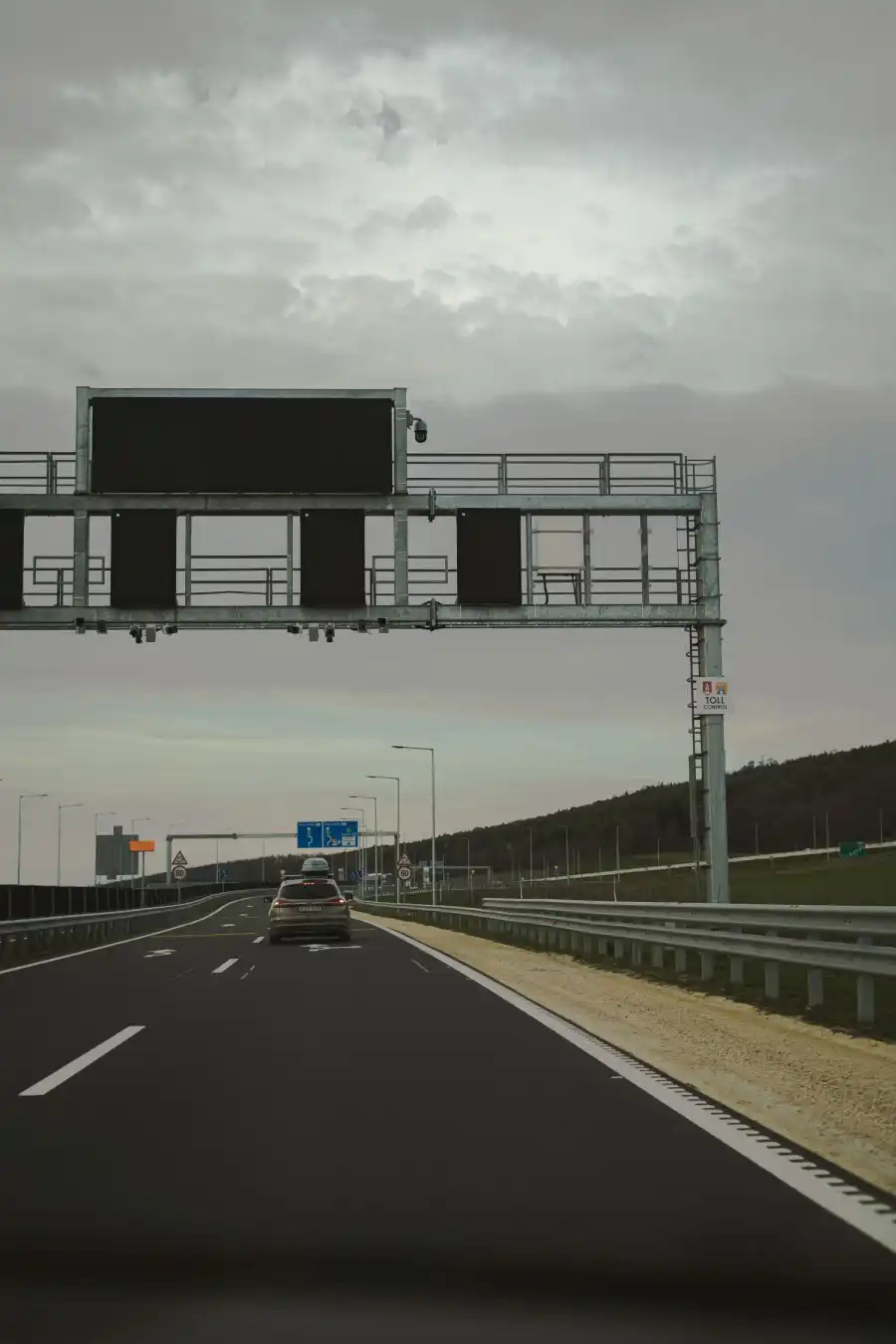
The automatic number plate recognition (ANPR) enforcement cameras positioned across Hungary's motorways and expressways check vehicles against this exact same NÚSZ database. If your checker result shows an active e-Matrica, you can rest assured that you are covered wherever this enforcement applies.
Hungarian rules also allow a 60-minute grace period in certain circumstances for drivers who enter a toll road without a valid vignette and then purchase one shortly afterwards. Buying a valid e-Matrica within that window means no fine is issued. However, we strongly recommend buying your e-Matrica before you join a toll road rather than relying on this grace period. In our experience, dealing with a fine afterwards can be time-consuming and expensive, even when the driver believes they purchased within the allowed window.
Note: Fines are issued by an external debt collection agency with very high daily fine amounts (€145 a day)!
It doesn't matter where you bought your e-Matrica. The validity checker works in the same way regardless of whether you purchased through Evignettehungary.com, at a petrol station near the border, at a sales office, or directly on ematrica.nemzetiutdij.hu. Once a legitimate e-Matrica has been registered, it's linked to your licence plate in the same national NÚSZ database.
For example, a driver entering Hungary from Serbia at Röszke who bought a 10-Day e-Matrica through our website will have their vignette show up on this checker exactly the same way as a driver who bought directly through the official government portal.
The same applies to any other border crossing or purchase channel, since the NÚSZ database doesn't distinguish between sellers once a vignette has been registered.
The same is true for the various vignette types. A family driving to Lake Balaton with a county vignette bought at a petrol station can verify it using this checker in exactly the same way as if they'd bought it through us.
Common Mistakes When Checking the Validity
Most failed validity checks come down to one of five avoidable errors, especially if you're checking on the road or near a border crossing.
Wrong country selected
The NÚSZ system stores the licence plate and the vehicle's country of registration as a combination. Selecting the wrong country—for example, entering a German plate but selecting Austria—returns no result even though the licence plate itself is entered correctly. Always choose the country shown on your vehicle's registration documents, not the country you are travelling to or from. This is an especially common mistake among drivers on long multi-country trips who have several borders in mind at once.
Licence plate formatting errors
Enter your licence plate exactly as it appears on your vehicle. Do not add spaces, hyphens, or extra characters unless they are physically part of the plate. Both Latin and visually identical alternative characters are accepted by the NÚSZ system, but the format still has to match your actual plate precisely, character for character.
Checking too soon after purchase
The NÚSZ database usually updates within a few minutes of payment being confirmed, although it can occasionally take a little longer. We recommend waiting a few minutes before checking again rather than repeatedly refreshing. As a general rule of thumb, if your e-Matrica still isn't showing up after fifteen minutes, and your details are entered correctly, contact our support team rather than assuming the registration has failed.
Entering a different plate than the one registered
If you made a typing error in your licence plate at the time of purchase, contact our support team as soon as possible. If you've spotted the mistake before your start date, corrections may still be possible. Once the e-Matrica has been issued and activated, a correction may still be possible in some cases, but only if you contact NÚSZ directly yourself. Our support team can't process this change on your behalf.
Trusting an unofficial checker site
We recommend you use Evignettehungary.com's checker as your first stop to verify your e-Matrica, since it connects directly to the live NÚSZ database. You can also confirm directly at ematrica.nemzetiutdij.hu for a second opinion.
Third-party sites that are not connected to the live NÚSZ database may show outdated or incorrect information. If any other site shows your e-Matrica as valid but our checker or the official site at ematrica.nemzetiutdij.hu shows nothing, always trust the official NÚSZ-linked result as accurate.
Common Mistakes at a Glance
| Common Mistake | Quick Fix |
|---|---|
| Wrong country selected | Check your vehicle registration document and select the country where the vehicle is registered, not the country you are travelling to or from. The wrong country code was responsible for about 8% of NÚSZ correction requests in 2022. |
| Licence plate formatting error | Enter the licence plate exactly as it appears on the vehicle. Do not add extra spaces, hyphens, or characters if they're not on the licence plate. |
| Checking too soon after purchase | Allow up to 15 minutes for the NÚSZ system to update, then contact support if your vignette is still not appearing. Also double-check that all of the information you've entered is correct. |
| Wrong plate entered at purchase | Contact our support team as soon as possible. If the vignette is already active (Before the start date), you may need to request a correction directly from NÚSZ. Mistyped plates were responsible for about 75% of NÚSZ correction requests in 2022. |
| Checking on an unreliable website | Use our checker at evignettehungary.com first or verify directly at ematrica.nemzetiutdij.hu. Only trust the official result. |
Figures: NÚSZ Zrt. press release, March 2023, covering 2022 correction requests from Hungarian-registered vehicles (Adózóna).
Not sure which vehicle category applies to you? Choosing the wrong category can mean your e-Matrica doesn't cover your vehicle, so it's worth double-checking our Prices page before you buy.
Frequently Asked Questions
About the Author
Written by Mattijs Wijnmalen, CEO of Maut & Vignette B.V. Reviewed by Freek Jurg, COO of Maut & Vignette B.V., together 20 years covering European travel and toll regulations.
Last verified: August 2026. Sources: NÚSZ, the National Toll Payment Service (ematrica.nemzetiutdij.hu), and Nemzeti Mobilfizetési Zrt. (National Mobile Payment Plc.), the operator of the national e-Matrica system.
This guide is for informational purposes only. E-Matrica prices, validity rules, and enforcement details can change. Always verify current information at ematrica.nemzetiutdij.hu before travelling. Evignettehungary.com is a private reseller of Hungarian e-Matricas and is not affiliated with NÚSZ, Nemzeti Mobilfizetési Zrt., or any official Hungarian toll authority.